Update Belly
Friends, leaderboards and cloud backup need the latest Belly.
Your pet, coins and purchases are safe and stay on your watch.
Update on your Apple Watch
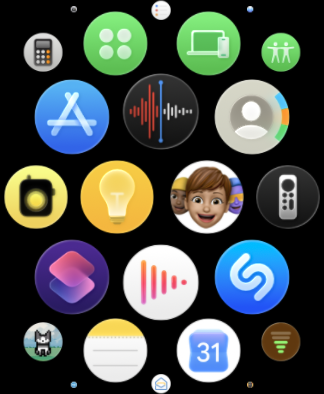
- Open the App Store.
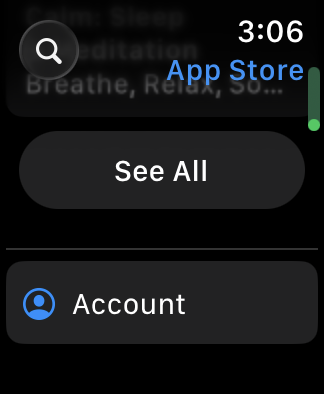
- Scroll to the bottom and tap Account.
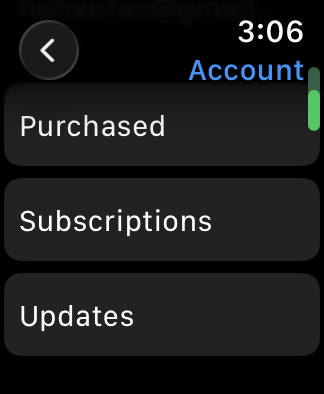
- Tap Updates.
- Tap Update next to Belly.
Next, keep Belly up to date
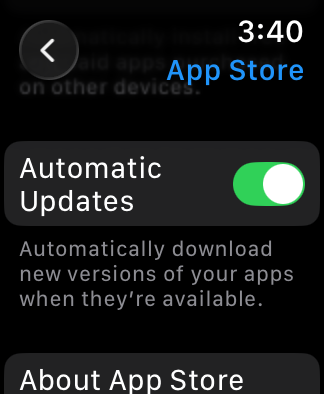
Turn on automatic updates on your Apple Watch so you won’t need to update Belly by hand.
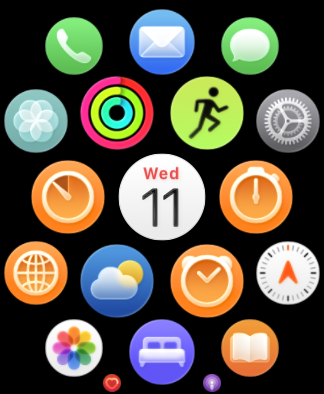
- Open Settings on your Apple Watch.
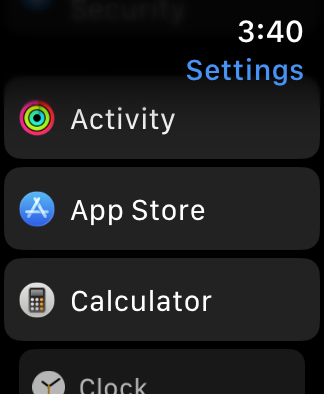
- Scroll down and tap App Store.
- Turn on Automatic Updates.