If you're going to grant a virtual pet app access to your health data, you should know exactly what it's reading, what it isn't, and where any of it ends up. This article is the technical version of that explanation for Belly. No marketing language, no vague phrasing, just the HealthKit data types we touch, the ones we don't, and what happens to the values once they're read.
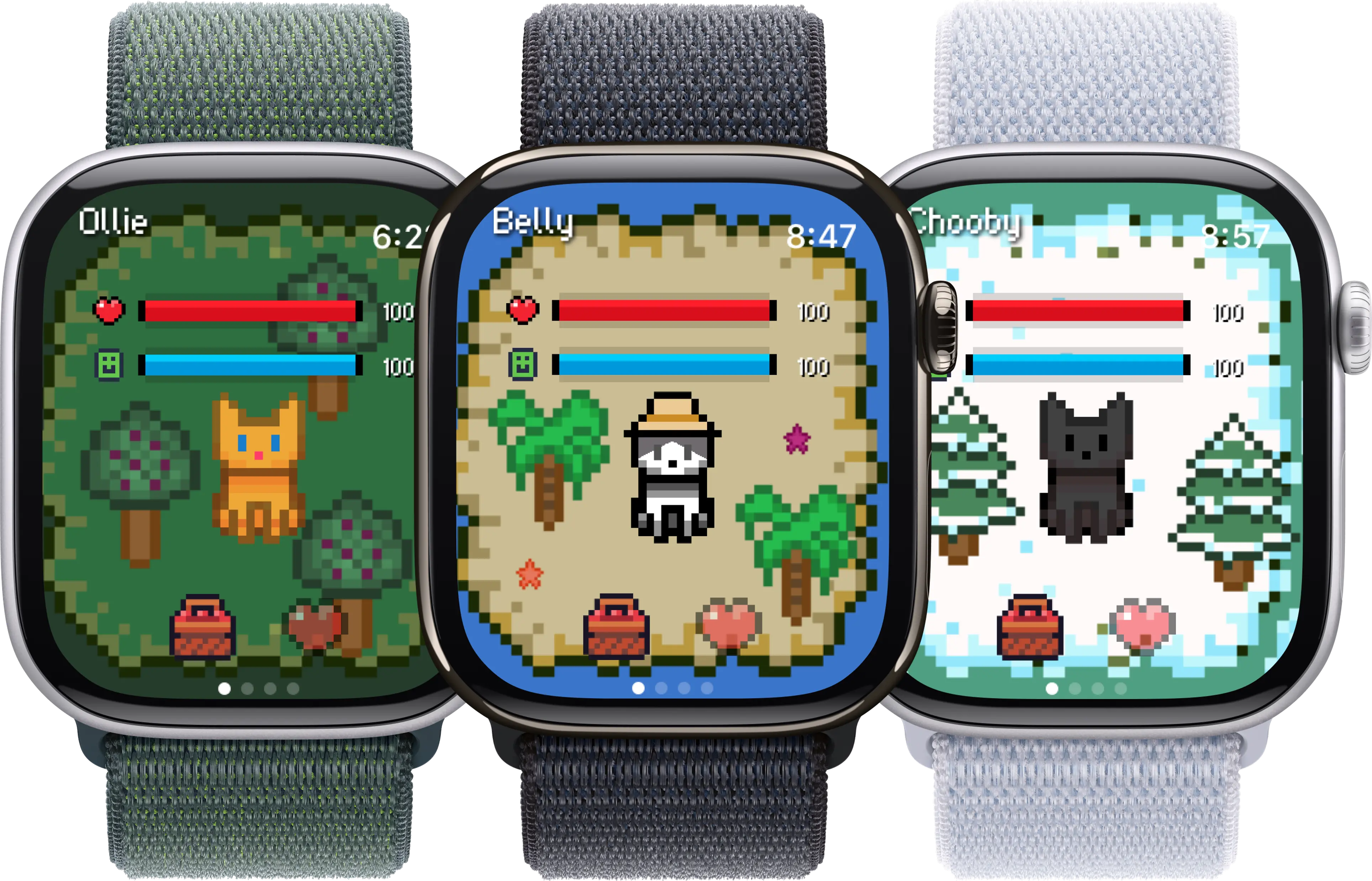
Belly reads one thing from Apple Health: your step count. Everything else stays where it is.
What HealthKit actually is
HealthKit is an iOS framework, not a cloud service. It's the on-device database that the Health app, Apple Watch, and any health-aware third-party app read from and write into. When the watch records a step, watchOS writes it into HealthKit; when an app like Belly wants to know about steps, it asks HealthKit, not the watch directly.
Three things are worth knowing about it. First, the storage is on-device. Your HealthKit data lives in an encrypted database on your iPhone (and replicates to your Apple Watch), gated by your device passcode. Second, sharing is per-data-type. An app doesn't get a single yes-or-no on Health; it asks for specific types (steps, heart rate, sleep) and you grant each independently. Third, iCloud sync of Health data, if you turn it on, is end-to-end encrypted by Apple. It's not something third-party apps can opt you into or read from.
What Belly reads, what it doesn't, and where it lives
1. Step count (HKQuantityTypeIdentifier.stepCount)
Steps are the one and only HealthKit data type Belly actively reads. Every time your pet checks in for an animation update, it asks HealthKit for the latest step total and compares it against the previous read to figure out how much you moved.
How it works:
- Belly requests the `HKQuantityTypeIdentifier.stepCount` permission on first launch.
- On the Apple Watch, steps are sampled from the accelerometer and aggregated into HealthKit by watchOS itself, not by Belly.
- Belly reads recent samples (typically the last few hours) on a polling cadence tied to the watch face refresh, not continuously in the background.
- Counts are read as integers; Belly never reads timestamps with sub-second precision or location-tagged samples.
Worth knowing: If you deny step access, Belly still runs as a tappable Tamagotchi-style pet, but the passive movement feedback loop is off. Most of the charm of the app depends on this one permission.
2. Active energy and Move data (HKQuantityTypeIdentifier.activeEnergyBurned)
Belly does not read active energy or the calories burned in your Move ring. It looks tempting on paper (it's already in HealthKit, after all) but the data is noisier than steps and adds nothing to what the pet needs to know.
How it works:
- No `activeEnergyBurned` permission is requested.
- Your Move ring stays driven by Apple's Activity app, untouched by Belly.
- Calorie burn estimates depend on height, weight, age and heart rate, none of which Belly asks for.
- If a future feature needed it, you'd see a fresh iOS permission sheet before any data was read.
Worth knowing: Some pet apps grab every available HealthKit type by default. Belly intentionally stays narrow. Fewer permissions, fewer surfaces to think about.
3. Workout sessions (HKWorkoutType)
Belly does not start, end, or read workout sessions. There's no `HKWorkoutSession` running in the background, and the watch app doesn't appear in the workout-app picker.
How it works:
- No workout type permission is requested.
- Belly never calls `HKHealthStore.startWorkoutSession`, which is the API that would mark the watch as actively in a workout.
- Your Apple Watch battery isn't drained by a phantom workout running under the pet.
- Steps you take during an actual workout (a run, a hike) still appear in HealthKit and still count toward Belly's view of your day, because watchOS writes them as steps regardless of whether a workout is logged.
Worth knowing: If you want a virtual pet that tracks proper workouts, Belly isn't it. The design choice is deliberate: steps are something everyone produces, workouts are something only some people log.
4. Heart rate (HKQuantityTypeIdentifier.heartRate)
Belly does not read heart rate. A heart rate value is the kind of sensitive biometric where the rule is: don't ask unless the feature literally cannot work without it. Belly's feature, a pet that reacts to movement, does not need it.
How it works:
- No `heartRate` permission is requested.
- Your watch keeps measuring heart rate for the Health app, Workout app, and other apps that need it. Belly just isn't one of them.
- There's no heart-rate-driven mood, animation, or reward inside Belly.
- Adding this later would require both a new iOS permission sheet and a meaningful product reason.
Worth knowing: If a future version ever wanted to do something like 'your pet rests when you're at a high resting heart rate', you'd be asked first, and it would be opt-in.
5. Sleep data (HKCategoryTypeIdentifier.sleepAnalysis)
Belly does not read sleep stages or sleep duration. There is no nighttime tracking, no sleep score, no morning summary based on how you slept.
How it works:
- No `sleepAnalysis` permission is requested.
- The pet doesn't 'sleep when you sleep' based on actual sleep detection. Its idle states are driven by time of day and your interaction pattern.
- Your sleep data, whether from Apple's built-in sleep tracking or an app like AutoSleep, stays where you put it.
- Because Belly reads no sleep data, there's also no nightly upload of anything related to your sleep.
Worth knowing: Sleep tracking is a legitimately useful category. It's just not Belly's job. If you want a sleep companion, the App Store has serious specialists in that lane.
6. What stays on your device
Apple Health is on-device storage. HealthKit data is stored in an encrypted database inside iOS and watchOS, gated by the device passcode and (where supported) Face ID or Touch ID. Belly reads from that local store; the raw step values themselves never leave your phone through Belly.
How it works:
- All HealthKit reads happen in the Belly app process, on your device, against the iOS-managed Health database.
- Your full step history, workout history, heart rate trace and so on are stored locally and (if you've enabled it) synced through iCloud, end-to-end encrypted by Apple.
- Belly does not have a copy of your HealthKit data on a server somewhere. There is no health-data export, no analytics pipeline ingesting it.
- What Belly keeps on-device for its own use is small: your pet's state (name, hunger, age, mood), recent step totals it has already seen, and a few preferences.
Worth knowing: If you turn off iCloud sync for Health, your HealthKit data doesn't replicate to your other devices, but Belly on your watch still works fine, because it reads from the watch's local Health store.
7. What gets sent to Belly's servers
The honest answer: not your health data. What goes over the network is the kind of thing most apps send (anonymous analytics, crash reports, and, if you let it, App Store-mediated subscription state), plus, in some app states, your pet's persisted state.
How it works:
- Step counts, heart rate values, sleep, and other raw HealthKit data are never POSTed to a Belly-controlled server.
- Anonymous app analytics (screen views, button taps, app version, device model) are collected to understand usage. These don't include HealthKit values.
- Crash reports may include stack traces, device model, OS version, and similar diagnostic context, none of which contains your HealthKit data.
- If you have an iCloud-backed pet state, the state itself (pet name, age, mood, accessories) is synced through Apple's iCloud, not Belly's servers.
Worth knowing: Treat this section as a description, not a legal document. The Privacy Policy linked in the App Store listing is the canonical version and gets updated as the app evolves.
8. How to revoke Belly's HealthKit permissions
iOS gives you granular control over what each app can read from Health, separate from the general iOS permission system. You can revoke Belly's step access at any time without uninstalling the app.
How it works:
- Open the Settings app on your iPhone.
- Tap Privacy & Security, then Health.
- Find Belly in the list of apps with Health access and tap it.
- Toggle off any data types you want to revoke (Steps is the only one Belly asks for). Hitting 'Turn Off All' revokes everything in one tap.
Worth knowing: Revoking step access doesn't delete your pet. Belly will still launch and let you interact; it just won't react to your activity. You can re-grant access from the same screen at any time.
Last updated May 2026. If Belly ever adds a new permission, you'll see a fresh iOS permission sheet inside the app before any new data is read, and this page will be updated to reflect what changed.
The short version of what Belly does NOT read
Most of the HealthKit catalog is off-limits for Belly, by design. If a permission isn't on this list of granted types, it isn't being read:
- Heart rate. Not requested. Belly has no heart-rate-driven feature.
- Sleep analysis. Not requested. Your pet's idle state is driven by clock time and how often you interact with it.
- Workout sessions. Belly never starts an HKWorkoutSession, so the watch isn't put into workout mode by the pet.
- Active energy / Move ring data. Not requested. Your Move ring stays driven by Apple's Activity app.
- Blood oxygen, ECG, mindfulness minutes, cycle tracking, body measurements. None of these are requested.
- Location. HealthKit does include location-tagged samples for some workout types, but Belly doesn't read workouts and doesn't request the Core Location permission either.
The principle is boring and intentional: ask for the minimum needed to make the feature work. The feature is a pet that reacts to your activity. The minimum to make that work is the step count.
Where the data lives once Belly reads it
A common worry with any health-aware app is: once it has read my data, where does it go? Here's the chain for Belly:
- Your Apple Watch records a step using the accelerometer. watchOS writes it into HealthKit on the watch.
- HealthKit on the watch syncs with HealthKit on your paired iPhone over the encrypted Bluetooth link. If you have iCloud Health sync turned on, Apple replicates that data end-to-end encrypted to your other Apple devices.
- Belly, running on your watch or phone, asks HealthKit for the latest step count. HealthKit returns the values to Belly in-process, on-device.
- Belly uses the values to update the pet (animation, mood, in-app counters) and persists a small amount of pet state locally. That's where the chain ends for HealthKit values.
- Anonymous analytics about app behavior (which screens you opened, which buttons you tapped, what device you're on) and crash diagnostics are sent over the network, separately from any HealthKit values.
You can verify the network side of this yourself if you want. iOS 17 and later include an App Privacy Report that shows you, per app, which domains it has contacted. Belly should appear there with the analytics and crash domains it talks to, and nothing else.
How to revoke permissions in two taps
If you ever want to change your mind, here's the path. You don't need to delete the app; you can just turn off the read access:
- Open Settings on your iPhone.
- Tap Privacy & Security.
- Tap Health.
- Find Belly in the list and tap it.
- Toggle off Steps, or tap Turn Off All at the bottom.
That's it. Belly will keep launching, your pet keeps existing, but new step data will no longer be readable by the app. You can re-enable from the same screen any time, and the next time Belly polls HealthKit, your pet will start reacting to your activity again.
If you want to go further and clear what Apple Health itself has stored about your steps, that's also possible: open the Health app, tap your profile picture, tap Apps and Services, find Belly, and you can both review and delete entries (though Belly itself doesn't write steps into HealthKit, only reads them, so the entries you'll see there are the watchOS-recorded ones, not Belly's).
Frequently asked questions
Does Belly read my heart rate, sleep, or location from Apple Health?
No. Belly only requests step count. It does not read heart rate, sleep data, workout sessions, active energy, blood oxygen, ECG, location, or any other HealthKit type. iOS shows you the exact list of data types an app is requesting on the permission sheet at first launch, and you can double-check what Belly is approved to read at any time under Settings, Privacy & Security, Health, Belly. If the list there shows only Steps, that's the complete picture.
Does my step data ever leave my iPhone or Apple Watch and go to Belly's servers?
No. The raw step counts Belly reads from HealthKit stay on your device. They're used to update what your pet sees and to drive animations, then they sit in the iOS-managed Health database where they came from. There is no nightly upload of your step history, no copy of your HealthKit data sitting on a Belly server. What does go over the network is unrelated to health data: anonymous usage analytics, crash diagnostics, and (if you've subscribed) App Store-mediated subscription status. Your pet's state (name, age, accessories) can sync between your devices through iCloud, which is Apple's infrastructure, not Belly's.
What happens to my pet if I revoke HealthKit access later?
Your pet keeps existing. Revoking step access in Settings, Privacy & Security, Health, Belly only stops Belly from reading new HealthKit data. The pet's name, age, hunger and accessories are stored separately by the app itself, so nothing about the character is lost. What you lose is the passive movement loop: your pet will no longer react to how much you walked during the day, because it can't see steps anymore. The app still works as a tappable Tamagotchi-style pet you interact with manually. You can re-enable access from the same screen whenever you want, and Belly will start reading steps again from that moment forward.
Keep reading: See how Belly compares to other watch-faced companions in our roundup of the best virtual pet apps for Apple Watch, browse the wider category in the best Apple Watch apps, or check out Apple Watch pet games. This article is descriptive, not a legal document; the canonical Privacy Policy lives in the App Store listing and on the App Privacy label.